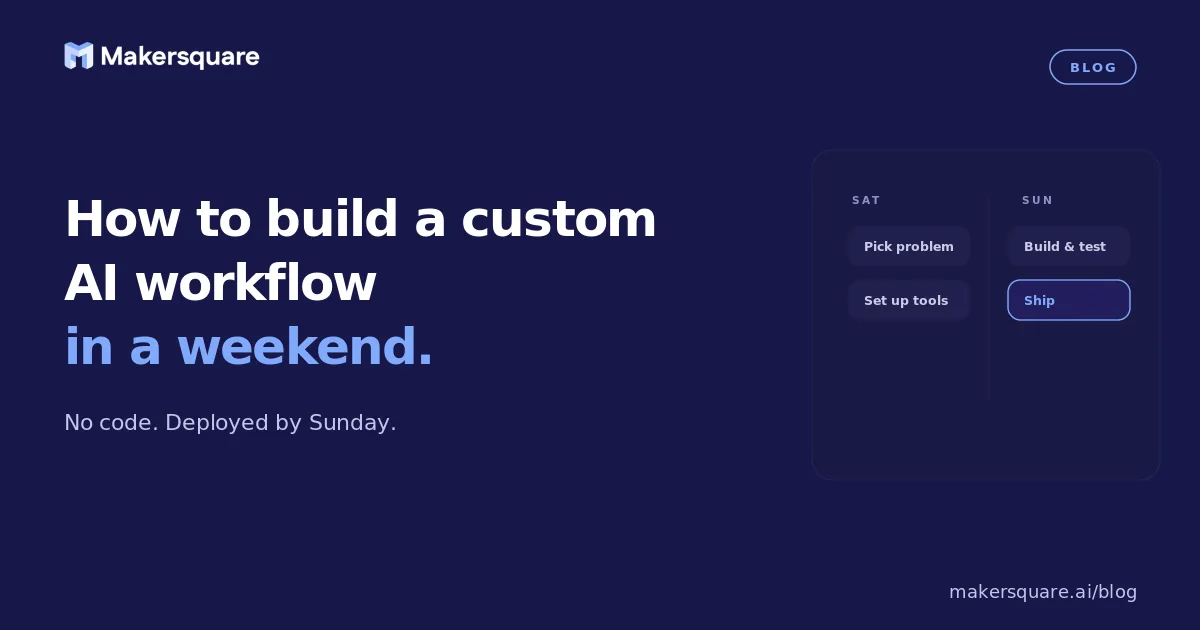
- Building a custom AI workflow without coding in a weekend is realistic — if you stay narrow. One input type, one output format, one problem.
- The most common failure mode is scope creep on day one: trying to solve multiple problems at once and ending the weekend with nothing working.
- The build order matters: problem definition first, AI configuration second, automation connection third, testing and iteration last.
- A workflow that handles 70% of cases reliably is more valuable than a perfect workflow that never ships. Build, run, refine.
The idea of building a custom AI workflow in a weekend sounds aspirational. But people are doing it regularly — and not just technically sophisticated people. Operators, marketers, consultants, and business owners are building real, working automations in 2 days that save them hours every week thereafter.
The key to building a custom AI workflow without coding in a weekend is to start with a problem so narrow that you can define the inputs and outputs in one sentence. If you can't do that, the problem is too big for a weekend build. Once you can, the rest is execution.
Day 1: Problem definition and AI configuration (Saturday)
Saturday morning should not involve opening any tools. It should involve writing down, as precisely as possible, what you're building.
The problem definition template: "Every [frequency], I take [specific input] and produce [specific output] in [format]. Currently this takes [time]. I want AI to do [specific part] so I can spend [time] instead."
A concrete example: "Every Monday, I take the previous week's project notes (in a Google Doc) and produce a 1-page status update (in a specific format) for my client. Currently this takes 2 hours. I want AI to draft the status update from the notes so I spend 20 minutes reviewing and sending instead."
Once you have that sentence, you know: what the AI needs as input (the Google Doc), what it needs to produce (the formatted status update), and what it doesn't need to do (the review and send — that stays with you). That clarity makes everything else faster.
Saturday afternoon: build the AI configuration. In Claude Projects, create a new Project for this specific use case. Write a system prompt that: explains the task in detail, specifies the exact output format (with an example), lists any constraints (what to include, what to never include), and provides 2–3 examples of past outputs that represent the quality and format you want. Spend 2–3 hours here. Test with real inputs. Iterate the prompt until the output is consistently 80% of the way to what you'd produce yourself. According to Anthropic's research on Claude's reasoning capabilities, prompt quality accounts for the majority of variance in output quality for structured professional tasks.
Day 2: Automation and testing (Sunday)
Sunday is for connecting the AI to your other tools and testing with real data.
Start with Make or Zapier. The workflow you're building has three parts: a trigger (something that starts the workflow automatically), the AI processing step (sends input to Claude, receives output), and an output action (saves or sends the result somewhere).
For the status report example: trigger is "new Google Doc in a specific folder," processing is "send doc content to Claude with the system prompt," output is "save the result to a Notion page and send a Slack notification to review." That's three steps in Make. Each one has a visual interface. None require coding.
Sunday afternoon: test with 5–10 real inputs. Don't test with hypotheticals — use actual past examples of the task you're automating. For each output, note: what was good, what was wrong, and what instruction change would fix the problem. After 5 test runs, you'll see patterns. Update the system prompt to fix the most common issues. Run 5 more tests. If the output is consistently usable with minor review, the workflow is ready to deploy.
A Zapier survey of automation builders found that the most successful first automations were those where the builder had already done the task manually many times — not because of technical familiarity, but because they had a clear mental model of what good output looked like and could evaluate AI output accurately. This is why building for your own problems first is the fastest path to something that works.
What to do when it doesn't work
The most common weekend build failure is a prompt that produces inconsistent output — sometimes great, sometimes off. The fix is almost always more specificity in the system prompt. Vague instructions produce variable output. Specific instructions produce consistent output.
If the output is consistently wrong in the same way, the prompt has a gap — something important you're not specifying. If it's randomly wrong, the prompt is too vague about format or scope. If it's right but slow, that's a Make/Zapier configuration issue, not an AI issue.
The other common failure is scope creep — trying to build too much in one weekend and ending with nothing working. If you hit Sunday afternoon and the workflow isn't producing usable output, cut features. Remove the automation step and just test the AI configuration manually. A manually-triggered Claude workflow is still enormously valuable — you can automate later once you know the AI layer works.
What this means for builders who want to go further
One working weekend build changes your relationship with AI tools. You understand what's possible, you have a template for future builds, and you have real evidence of how much time it saves. Every subsequent build is faster.
MakerSquare is a 2-week in-person AI builder program in Austin, TX — built for operators, founders, and professionals who want to build real AI tools, not just use them. Participants spend 2 weeks doing exactly this — building, testing, and deploying — with real feedback and a working tool by the end. See the curriculum at makersquare.ai/curriculum.
MakerSquare participants spend 2 weeks building, testing, and deploying AI workflows for their specific business problems — in person, with real feedback. Join the AI Builder Brief for weekly practical guides on what to build next.