- Most AI tool purchases fail for the same reason most software purchases fail: the people who approved the budget are different from the people who have to use it daily.
- The single most predictive factor in AI tool adoption is whether end users were involved in the evaluation — tools chosen by ICs have 3x higher 90-day retention than tools chosen by managers alone.
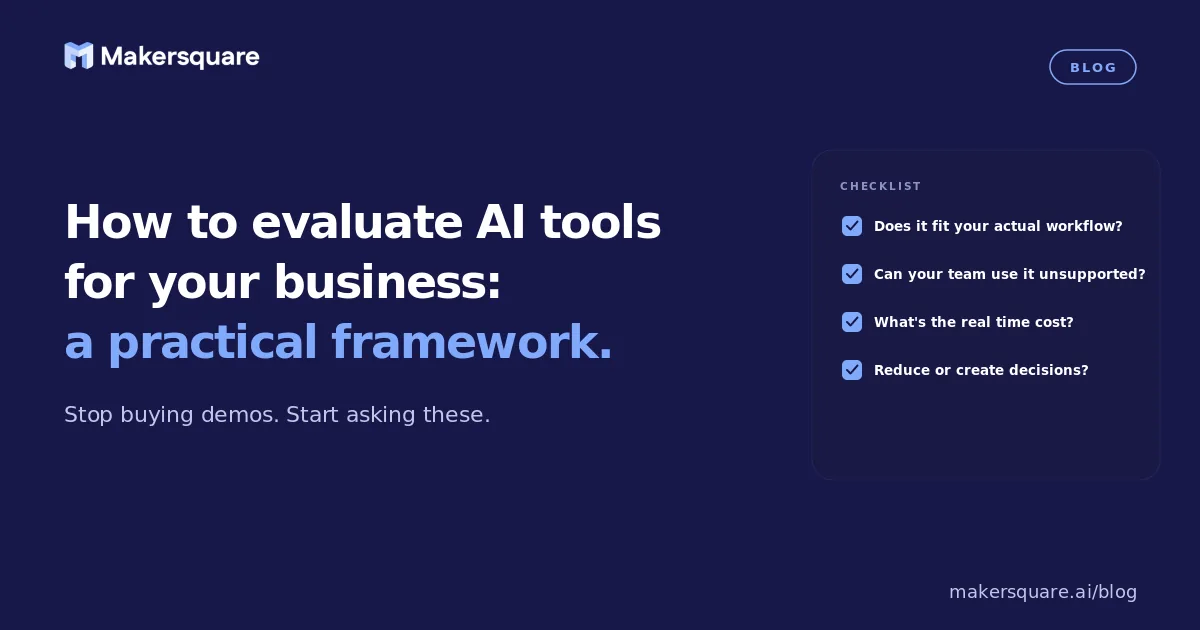
- A good AI tool evaluation framework has four phases: define the problem first, test on real workflows second, calculate the ROI math third, and only then decide on commitment.
- Gartner estimates that 60% of enterprise AI software purchased in 2025 will be "underutilized or abandoned" within 18 months — the failure is evaluation and adoption, not capability.
The AI tool market is flooded. There are hundreds of specialized AI tools for every function, every industry, and every use case. Most of them are genuinely impressive in a demo. Most of them will also sit unused 90 days after purchase if the evaluation process wasn't rigorous. Knowing how to evaluate AI tools for your business is not a technical skill — it's a procurement discipline. And most companies are getting it wrong.
The direct answer: the best AI tool evaluation framework has four steps in this order — define the specific problem you're solving, test on your real workflows (not demo data), do the ROI math before committing, and involve the actual end users in the evaluation. Skip any of these and you're buying on vibes.
Step 1: Define the problem before looking at tools
The most common AI evaluation mistake is starting with "we heard about this tool" rather than "here's the specific problem we're trying to solve." A tool that solves the wrong problem with 95% accuracy is still worthless. Before looking at any AI tool, write a one-paragraph description of the specific workflow you're trying to improve: what's the current process, how long does it take, who does it, and what would "better" look like?
This sounds obvious. In practice, most AI tool evaluations skip it because the tool sounds exciting and the conversation jumps straight to demo scheduling. The paragraph takes 10 minutes and filters out 60% of tools before you waste any evaluation time.
Gartner's 2025 analysis of enterprise software purchasing found that 60% of AI software purchased in the prior year was underutilized or abandoned within 18 months, and the primary cause was misalignment between the tool's capabilities and the specific workflow problem it was supposed to solve.1
Step 2: Test on your real workflows, not demo scenarios
Every AI tool looks impressive on its own demo data. The question is whether it works on yours. Before any purchase decision, run the tool through your actual use case: your documents, your data, your team's real questions. Most vendors will allow a 14–30 day trial. Use all of it.
The test should be specific: pick three to five tasks that represent your most common use case for the tool, run them through the trial, and evaluate the output quality honestly. "Could a junior employee on my team produce this output in the same amount of time without the AI?" If yes for most tasks, the tool isn't adding enough value to justify the subscription.
Critically, have the people who will actually use the tool run the evaluation — not the people who will approve the budget. The disconnect between "this looks impressive" (manager) and "this fits how I actually work" (IC) is where most AI tool adoptions die. A 2025 McKinsey survey found that AI tools evaluated by end users had 3x higher 90-day retention than tools chosen by managers without end-user input.2
Step 3: Do the ROI math before committing
Every AI tool should be evaluated against a simple question: what specific task does this replace or accelerate, how much time does that task currently take, and what's our cost for that time? If a $200/month tool saves an employee 2 hours per week at a $50/hour blended rate, the annual value is $5,200 against a $2,400 annual cost — the math works. If the same tool saves 20 minutes per week, the math doesn't.
This calculation forces clarity on what the tool is actually for. It also reveals when general-purpose AI (which most teams already pay for) would do the same job without an additional subscription. Most specialized AI tools serve a genuinely narrow use case — the ROI math is the fastest way to find out if you're in that use case or not.
What this means for business leaders evaluating AI
The businesses making smart AI tool decisions in 2026 are the ones that have developed an internal evaluation discipline — a repeatable process for moving from "this looks interesting" to "this is worth buying" without letting vendor excitement shortcut the real questions. It's not a technical skill. It's a judgment skill.
MakerSquare is a 2-week in-person AI builder program in Austin, TX — built for operators, founders, and professionals who want to build real AI tools, not just use them. One of the most practical skills in the program is AI tool evaluation — understanding what a tool actually does, how to test it rigorously, and how to decide whether to buy, build, or skip. See the curriculum for the full picture.
The best AI tool for your business is the one your team will actually use six months from now. Work backward from that, and the evaluation process gets a lot simpler.
Join the AI Builder Brief for practical AI insights — including tool evaluations, workflow reviews, and what's actually working for teams in 2026.