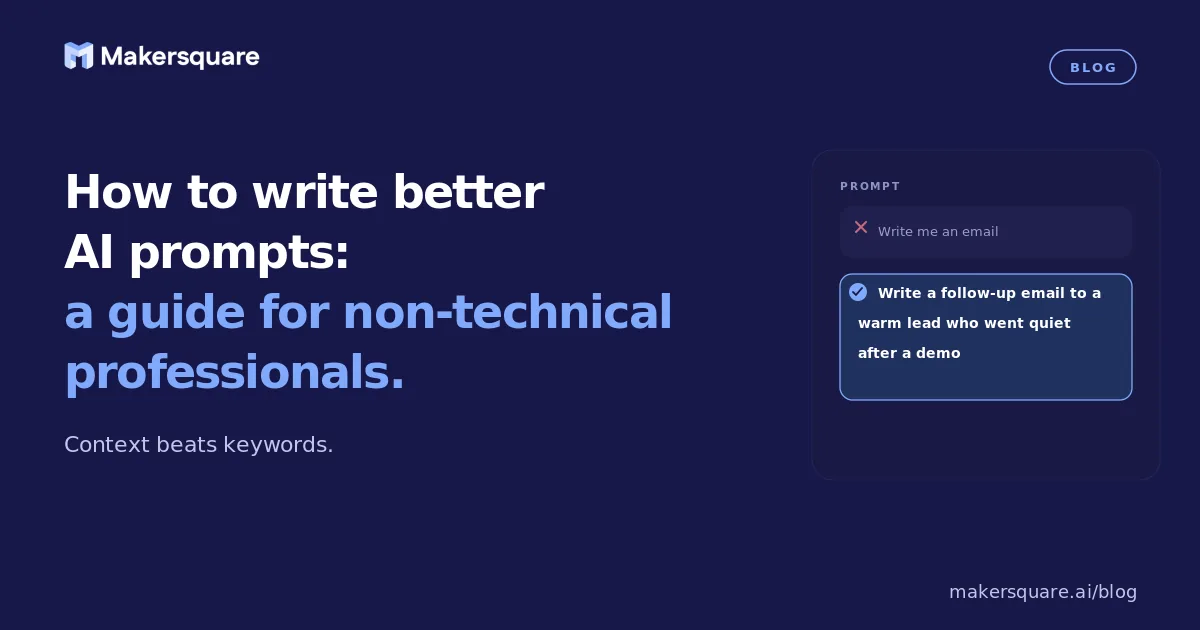
- The single highest-impact change to most AI prompts is adding context — who you are, what the situation is, and who the output is for. Most weak prompts lack this entirely.
- Good AI prompts have five elements: role/context, specific task, background information, output format, and constraints. Missing any two of these produces noticeably worse output.
- Iterating on prompts is a skill, not a failure — the professionals getting the most from AI treat the first response as a draft to refine, not a final answer.
- A Stanford study found that professionals who received structured prompt training produced outputs that peers rated 40% higher quality than those using untrained approaches.
Most people who use AI tools daily are still using them like search engines — typing a topic or question and getting a generic response. The gap between that and what AI can actually produce is significant. How to write better AI prompts isn't about learning technical commands or becoming an engineer. It's about learning how to give AI the right context, the right task, and the right output format — consistently. Once you understand what those three things mean, AI becomes dramatically more useful for professional work.
The direct answer: better prompts come from giving AI enough context to understand the situation, a specific enough task to know what you need, and a clear output format to know what "good" looks like. Those three things alone separate useful AI outputs from generic ones.
The five elements of a strong prompt
Think of a prompt as a job brief. You wouldn't hand a new contractor a one-sentence assignment and expect great work. You'd give them context, a specific deliverable, background information, format requirements, and what to avoid. AI works the same way.
1. Role or context. Tell the AI who you are and why this matters. "I'm a marketing director at a mid-sized SaaS company preparing a board presentation" is dramatically better framing than nothing. The AI calibrates its response to your situation rather than a generic one.
2. Specific task. Not "write something about X" but "write a 200-word executive summary of X for an audience of non-technical board members who care primarily about revenue impact." Specific outputs from specific tasks.
3. Background information. Paste in the context the AI needs. The report you're summarizing, the data you're analyzing, the email thread you're responding to. AI can't read your mind — give it what it needs to do the task well.
4. Output format. Length, structure, tone, style. "Three bullet points, each under 20 words, written for a non-technical audience" produces something very different from the same task without format constraints.
5. Constraints. What to avoid. "Don't use jargon. Don't recommend specific vendors. Keep it under 300 words." Constraints are not limitations — they're the specifications that make the output useful rather than generic.
The most common mistakes — and what to do instead
The single most common mistake is treating AI like a search engine. You wouldn't ask Google "help me with my marketing strategy" and expect a useful result. The same applies to AI — the tool works best when it has a specific job, not a vague topic.
The second most common mistake is accepting the first output without iteration. AI produces a first draft, not a final answer. The professionals getting the most from AI treat every response as an opening move in a dialogue. "Make this more concise." "Change the tone to be more direct." "Add a section on implementation risks." The back-and-forth is the skill.
A Stanford study on AI assistance in professional work found that professionals who received structured prompt training produced outputs their peers rated 40% higher in quality than those using untrained approaches — and the key differentiator was context-setting in the initial prompt, not technical sophistication.1
Practical examples for professional workflows
Weak prompt: "Write an email about the project delay."
Better prompt: "I'm a project manager at a consulting firm. I need to email a client to let them know our deliverable will be delayed by one week due to unexpected data quality issues. The client is a VP of Operations who values directness and hates excuses. Write a 150-word email that acknowledges the delay, explains the root cause briefly, confirms the new timeline, and offers a call if they want to discuss. Don't apologize more than once."
The difference is not complexity — it's specificity. The second prompt gives the AI a role, a situation, an audience, a format, and constraints. The output from the second prompt is usable. The first produces something generic you'd rewrite entirely.
Anthropic's research on prompting effectiveness found that providing explicit output format instructions reduced the need for follow-up clarification by 60% — meaning professionals spent less time editing and re-prompting when they specified the format upfront.2
What this means for professionals learning to use AI
Prompt fluency — the practical ability to get good outputs from AI consistently — is the skill that sits underneath every other AI skill. It's what separates a person who uses AI occasionally with mixed results from someone who uses it as a genuine force multiplier. It's also learnable in hours, not weeks.
MakerSquare is a 2-week in-person AI builder program in Austin, TX — built for operators, founders, and professionals who want to build real AI tools, not just use them. Prompting is one of the first skills covered in the program because it's the foundation everything else builds on. See the curriculum for the full arc of what the two weeks covers.
The professionals who are genuinely productive with AI have internalized one mental model: AI is your extremely capable colleague who has been handed a task cold, with no background. Your job is to be a good manager — give them context, a clear assignment, and the format you need. They'll do the work. You edit and apply judgment.
Prompt fluency is one of the first things we cover in the MakerSquare program. Download the curriculum to see the full two-week arc — from prompting basics to building your own AI tools.