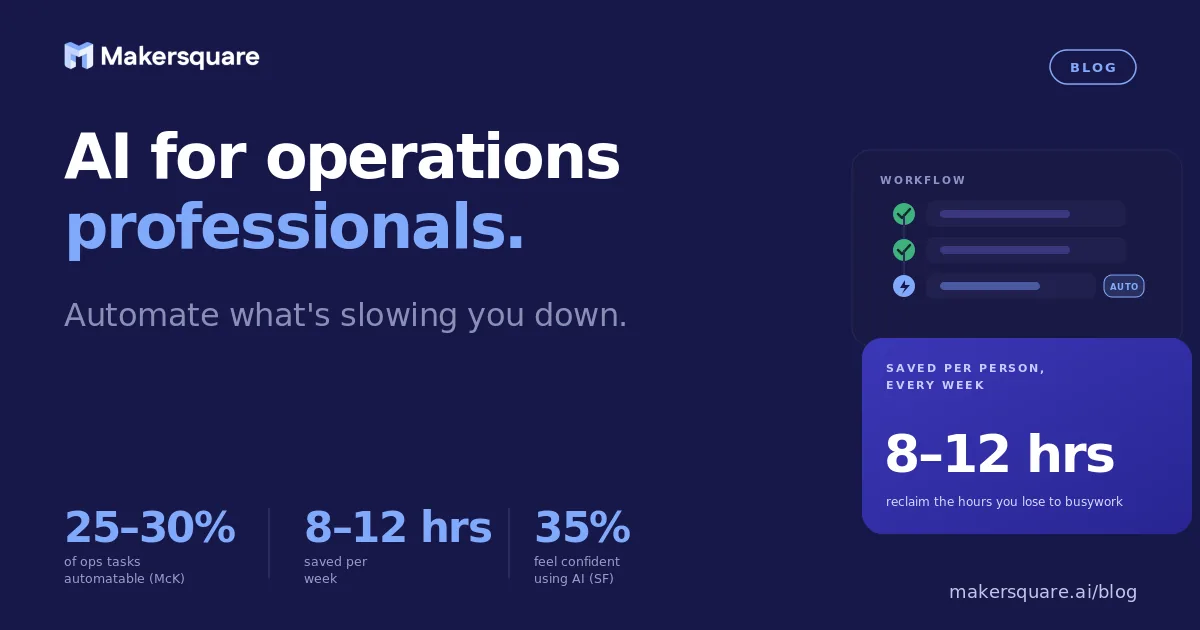
- AI for operations professionals is most valuable on high-frequency, predictable tasks — status reports, vendor emails, SOP drafts, meeting summaries — not complex judgment calls.
- McKinsey estimates AI can automate 25–30% of tasks in operations roles, translating to 8–12 hours per person per week when implemented well.
- The biggest mistake ops teams make is starting with the wrong tasks — trying to automate decisions that require nuance, rather than outputs that follow a clear structure.
- You don't need to code. The constraint is knowing which tasks to target first, not technical skill.
Most operations professionals know AI can help. What they don't know is where to start. The result is a lot of experimentation, a few quick wins that don't compound, and the nagging sense that everyone else is getting more out of this than they are.
Here's the direct answer: AI for operations professionals pays off fastest on tasks that are high-frequency, have a predictable output structure, and currently eat time without requiring real judgment. Think weekly status reports. Vendor follow-up emails. Meeting notes. SOP drafts. These are the tasks where AI consistently delivers, and they're the place to start — not because they're glamorous, but because they're reliable.
The ops tasks where AI for operations professionals delivers fastest
Not all operations work is equally automatable. The tasks that respond best to AI share three characteristics: they happen often (weekly or more), they have a consistent structure, and they require synthesis rather than original judgment.
Status reporting is the clearest example. Most operations managers spend 2–4 hours per week pulling updates from project trackers, Slack, and email — then reformatting that information into a readable summary for leadership. AI can take raw inputs (meeting notes, Slack threads, tracker exports) and produce a formatted status report in minutes. The AI isn't making decisions about what's on track — you still do that. It's handling the assembly and formatting work that currently takes you a full afternoon.
Vendor and supplier communications follow the same pattern. If you're managing 10 vendors and each requires weekly follow-up on deliverables, shipment confirmations, or issue resolution — that's a significant volume of writing that follows predictable templates. AI drafts these in seconds. You review and send. McKinsey's research on the state of AI in 2025 found operations functions are among the highest-ROI departments for AI adoption precisely because of this pattern: high volume, high repetition, moderate complexity.
SOP documentation is another high-value area that most ops teams underinvest in. Process knowledge lives in people's heads. When someone leaves or a process changes, capturing it requires hours of interviews and writing. AI can turn a 20-minute voice memo walkthrough into a structured, formatted SOP — not perfect, but 80% of the way there in a fraction of the time.
Why most ops teams aren't seeing results from AI yet
The adoption gap isn't a tool problem. Every operations professional has access to Claude, ChatGPT, or similar. The gap is in knowing how to use them for ops-specific work, and having the discipline to build repeatable workflows rather than one-off prompts.
The most common mistake is starting with the wrong tasks. Operations involves a mix of structured execution and genuine judgment. AI is useful for the structured parts. When teams try to use AI for judgment-heavy decisions — vendor selection, resource allocation under constraints, handling a critical escalation — the output isn't reliable enough to trust, and they walk away thinking AI doesn't work. It does work. Just not for that.
A 2025 Salesforce study found that only 35% of employees feel confident using AI tools for their specific job, even though access is widespread. The confidence gap is real, and it comes from not having a clear mental model of where AI is and isn't reliable. For operations professionals, the mental model is simple: AI handles structure, you handle judgment. When you're clear on that line, the wins stack up fast.
The second mistake is treating AI as a one-time tool rather than building it into a workflow. Using Claude to draft one vendor email is helpful. Building a prompt template that generates your standard vendor follow-up email in 30 seconds every time — that's where the compounding value comes from. The setup takes an hour. It saves 15 minutes every time you use it. After two weeks, it's paid for itself.
What an AI-enabled operations workflow actually looks like
Here's a concrete example of what this looks like in practice, from the kinds of workflows we see ops professionals build at MakerSquare.
A senior ops manager at a mid-sized logistics company had a recurring problem: the Monday morning update to leadership took 3 hours every week. She was pulling data from three project trackers, summarizing Slack threads from the weekend, and formatting everything into a consistent report structure.
The workflow she built: every Friday afternoon, she copies the week's key updates into a structured prompt template in Claude. The template specifies the exact format — project name, status, blockers, next steps — and asks Claude to synthesize the raw notes into that format. Total time: 20 minutes. The 3-hour task became a 20-minute task. That's 2.5 hours per week — roughly 130 hours per year — returned to higher-value work.
Tools like Make and Zapier can push this further by automating the data collection step: pulling updates from Asana, Linear, or Notion automatically, formatting them, and feeding them directly into the AI synthesis step. No copying and pasting required. According to Gartner's 2025 technology trends report, agentic AI workflows — where AI takes multi-step actions autonomously — are now within reach for non-technical professionals using tools like Make and n8n.
What this means for operations professionals ready to move
The operations professionals seeing the most leverage from AI right now are not the ones experimenting broadly — they're the ones who identified 3 specific tasks, built reliable workflows around them, and stopped there until those workflows are running smoothly.
Start with status reporting. Then vendor communications. Then SOP documentation. Build one workflow per week. After a month, you'll have a clear picture of which AI-assisted tasks are saving the most time — and you'll have the skills to build more complex automations on top.
MakerSquare is a 2-week in-person AI builder program in Austin, TX — built for operators, founders, and professionals who want to build real AI tools, not just use them. If you're an operations professional who wants to go from experimenting to having a reliable, repeatable set of AI workflows, the curriculum outlines exactly what you'd build over two weeks.
MakerSquare runs 2-week in-person AI cohorts in Austin, TX for operators and professionals who want to build real workflows — not just learn about AI. Download the curriculum to see exactly what you'd build.