- You can learn AI without coding — the most valuable AI skills for most professionals are prompt design, workflow thinking, and output evaluation, none of which require writing code.
- No-code AI tools (Claude, ChatGPT, Zapier, Make, Notion AI) now cover the majority of professional use cases that used to require a developer.
- The fastest path to fluency is applied practice on real tasks — not tutorials, not certification courses, but building something you actually use at work.
- Most professionals reach working fluency in 2–4 weeks of focused practice; the bottleneck is structure and accountability, not aptitude.
The single biggest misconception holding professionals back from learning AI is the belief that you have to learn to code first. You don't. The most impactful AI skills — knowing how to direct an AI tool, how to structure a workflow, how to evaluate and edit output — have nothing to do with programming. You can learn AI without coding, and for most roles, coding would be the wrong place to start.
The short answer: start with a tool, apply it to a real task you already do, and practice until your output is better with AI than without it. That's it. Everything else is optional until you've done that.
Why coding isn't the bottleneck it used to be
Five years ago, getting meaningful value from AI required either technical skill or a technical co-founder. APIs were the only real access point. Today the interface has completely changed. Claude, ChatGPT, Gemini, and similar tools are designed for people who think in plain English, not Python. You describe what you want, and the model does the work.
The automation layer has evolved the same way. Tools like Zapier, Make, and n8n let you connect apps and trigger AI actions through visual interfaces — no code required. A marketing manager can build a workflow that drafts a week of social posts from a single brief, routes them through an approval inbox, and schedules them — without writing a line of code.
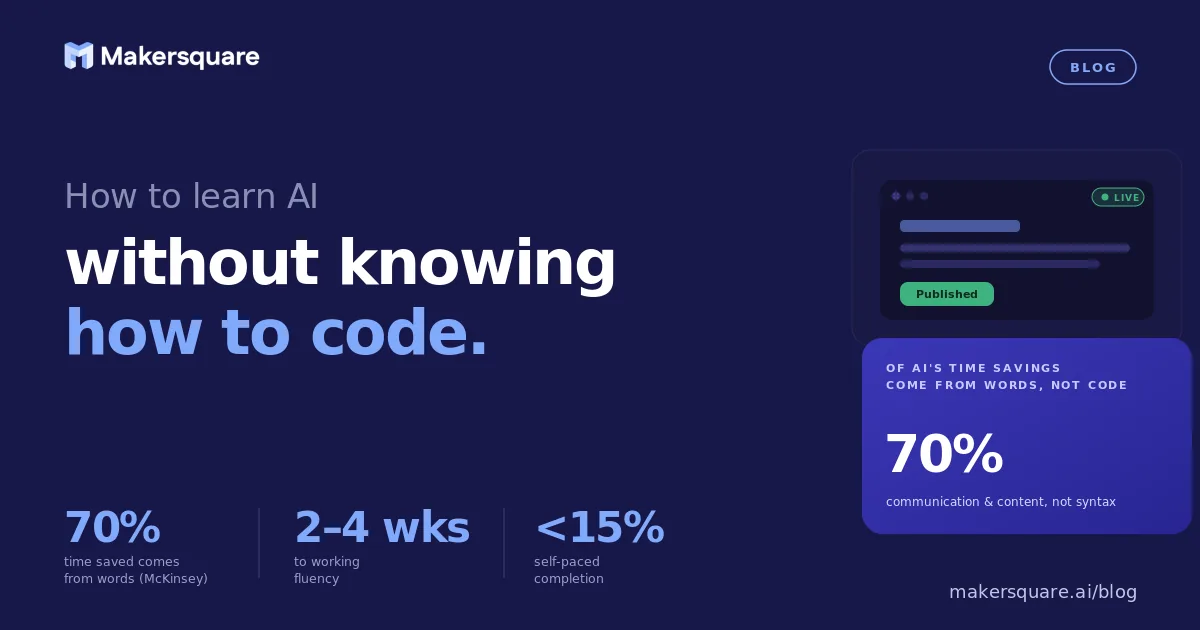
A 2024 McKinsey report found that about 70% of the time savings from generative AI come from tasks related to communication, content creation, and information synthesis — not software development. These are tasks non-technical professionals do every day. The productivity gains are already accessible to you without writing a single line of code.
What skills actually matter if you're not coding
The skills that matter most for non-technical AI learners are four things that have nothing to do with programming:
Prompt design. Being able to give an AI tool clear, structured, specific instructions. The difference between a vague prompt and a precise one is the difference between getting something usable and getting something generic. This is a writing skill, not a technical skill — and it improves fast with practice.
Workflow thinking. Breaking a task into the steps that AI can handle vs. the steps that require human judgment. Most professionals already do this intuitively when they delegate to a person. You're doing the same thing here — just delegating to a model instead.
Output evaluation. Knowing when AI output is good enough to use and when it needs editing. This matters more than most people realize. An AI can produce fluent, confident text that contains a factual error or misses the point entirely. Recognizing the difference is a critical skill that doesn't require any technical knowledge — it requires knowing your domain.
Tool selection. Choosing the right AI tool for a specific job. Claude is better for nuanced writing and reasoning. Perplexity is better for research with citations. Zapier is the right choice for automating a repeating workflow. Knowing which tool fits which job saves enormous time and prevents the frustration of using the wrong tool for the task.
According to the World Economic Forum's 2025 Future of Jobs Report, the skills employers most value alongside AI tools are analytical thinking, creative thinking, and resilience — not coding. Technical skills come later in the rankings. The skills that transfer to AI are the skills you already have.
The path that actually builds fluency
The most common mistake non-technical learners make is starting with a course. They watch 10 hours of videos about how AI works, feel informed, and still don't know what to do Monday morning. The knowledge doesn't transfer because it was never attached to a real task.
The path that actually builds fluency looks like this: pick one task you do regularly at work — a recurring report, a client communication, a research brief, a first draft of something. Use an AI tool on that exact task. Evaluate the output. Edit it. Use it. Then do it again next time the task comes up, with better prompts. That's it.
This is the same principle that drives how chefs learn to cook. You can study culinary theory indefinitely, but the skill lives in repetition on real ingredients. AI is the same. An hour of practice on a real task is worth more than five hours of passive learning. The research on this is clear — BCG found that five or more hours of structured, applied practice is the threshold where most professionals become regular AI users. Not five hours of video — five hours of actually building.
The second common mistake is trying to learn AI in isolation. Accountability matters. When you're learning alongside other people who are working on the same problems, you learn faster, you share what's working, and you don't stall when something isn't clicking. That's why cohort-based learning consistently outperforms self-paced online courses, which have completion rates under 15%.
What this means for non-technical professionals
If you've been waiting until you "know enough" to start using AI, you've already waited too long. The professionals building real AI fluency right now are not the ones with technical backgrounds — they're the ones who started trying things on real tasks six months ago and have been iterating since.
MakerSquare is a 2-week in-person AI builder program in Austin, TX — built for operators, founders, and professionals who want to build real AI tools, not just use them. The program is designed for non-technical people: no coding prerequisites, no assumed background. The curriculum covers prompt design, workflow building, AI tool selection, and how to ship something real by the end of week two.
The question isn't whether you can learn AI without coding. You can. The question is whether you have the right structure to actually do it — or whether you're going to spend another three months watching tutorials.
MakerSquare is a 2-week in-person AI builder program for non-technical operators and professionals. No coding required — just a real problem you want to solve. See exactly what the program covers.